 New in 0.4.1 Relink a recording →
The best moments of your episode. Ready to share.
Leike finds the strongest quotes in your podcast, turns them into clips for every channel, with captions and a text for your post, and prepares everything to clear with your guests. The AI runs on your Mac's chip. Your recording never leaves your computer.
Free during the beta · macOS 26 · Apple silicon · Developed in Europe
Recordings
CC 01 done
CC 02 15:25
CC 03 done
CC 04 analysing
Talk me through it. Like you're explaining it to somebody that really doesn't understand the technical part.
So uh methane is actually um natural gas. It's the biggest part of natural gas as we already use it today. silence Uh however, we use fossil methane today.
Suggestions
Made with Leike.
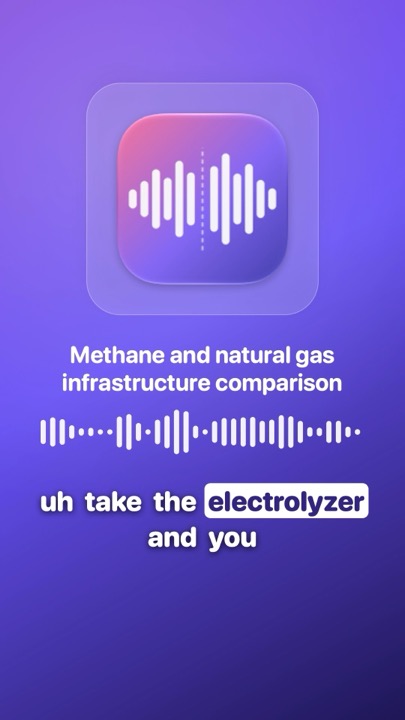
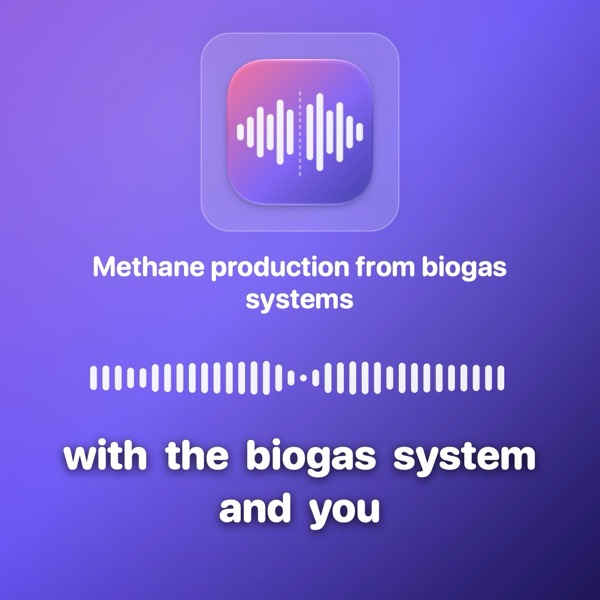
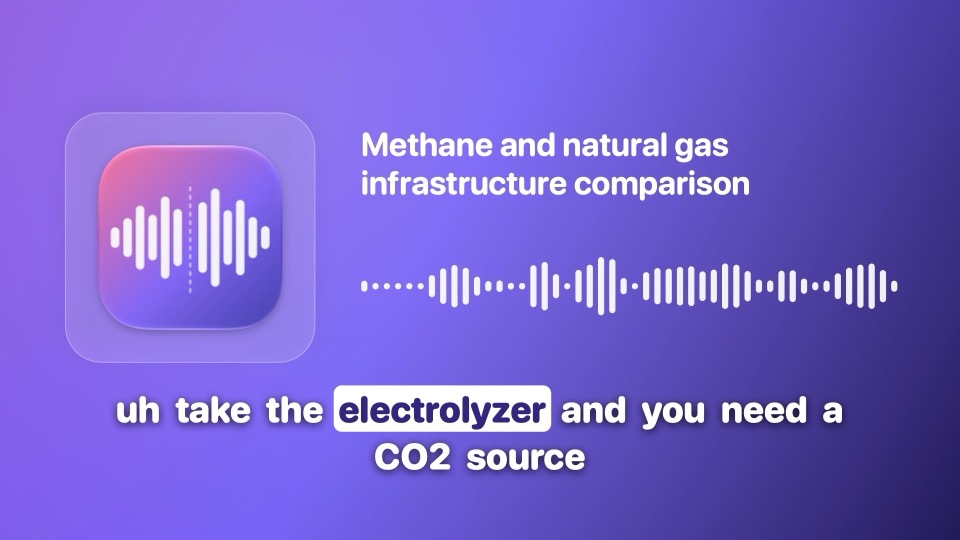
Four clips from a single 16-minute interview. Leike selected the moments, wrote the titles and burned in the captions. No manual cutting involved.
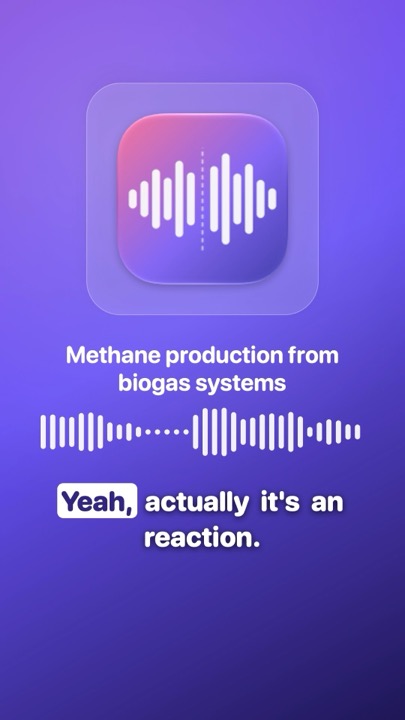
Social clips
One episode. Clips for every channel.
Leike recognises the moments that stand on their own, ranks them and writes a title and a short text for your post for each clip. You decide which ones are published.
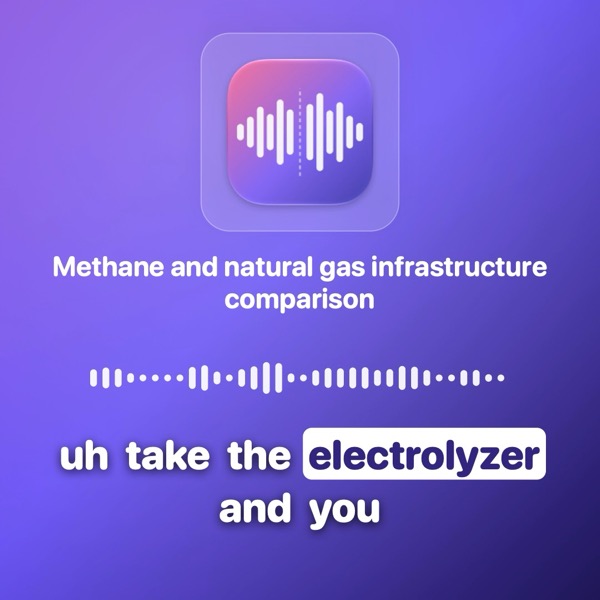
- Burned-in captions. The spoken word lights up, in your own brand colour.
- Audiogram or video. Audio gets your artwork. Video is cropped to the speaker, in 9:16, 1:1 and 16:9.
- Adjust by sentence. Make a clip one sentence longer or shorter, at the start or the end.
Approval
Clear it first. Then publish.
Every clip has a fixed number and its text exactly as you hear it. Copy, paste into an email, and your guest replies with the number.
Methane is actually natural gas. It's the biggest part of natural gas as we already use it today. However, we use fossil methane today.
- Fixed number. 01 is the strongest clip. The number does not change when you trim, rename or deselect clips.
- Text as heard. Per speaker, with the time within the clip. One clip, or all selected clips at once.
- Clips – approval.md. The export repeats it all in the Clips folder, including who is heard in which clip.
Export
Clips, episode and text in one click.
Everything a publication needs, in one folder, with file names that explain themselves. Clips first.
- 71 seconds. The full export of the interview, including six clip videos.
- Timed to the edit. Captions and highlights follow the edited version, not the original.
- In your language. Show notes and transcript in English or Dutch.
The episode itself, too
The soundcheck goes. The episode stays.
Leike listens to the full recording and places the start and the end where the conversation actually begins and ends.
- Start found. The soundcheck and the small talk fall outside the episode.
- End found. The episode ends after the sign-off, not after the conversation that follows.
- Adjust it yourself. Drag the handles, or place them with ⌘I and ⇧⌘U.
Editing
Cut in the text, not in the waveform.
Click a word and you hear it. Select a sentence and press X. In Leike, you edit an episode the way you edit a document.
So uh methane is actually um natural gas. It's the biggest part of natural gas as we already use it today. silence Uh however, we use fossil methane today.
- Silences shortened. Long pauses become a short breath. You set the length.
- Filler words by kind. "Uh" and "um" are ready as suggestions. You decide whether they go.
- Preview. Hear the episode exactly as it will be exported.
Sound
Sounds like an episode from the first second.
Leike sets the volume to the standard of each platform and removes noise and reverb when you want it to.
The Apple Podcasts recommendation. Adjustable.
Slightly louder, as is customary on social media.
Less noise and reverb. Your voice stays your voice.
- Intro and outro. Set them once; every episode gets them.
- Soft transition. The intro fades out under the first words.
- No peaks. A limiter keeps spikes below −1 dB.
Privacy
Offline. Not a setting, but a starting point.
Leike processes your recording, the transcript and your clips on your Mac. There is no server, no account and no upload. What you record stays yours.
On your Mac
- Recordings and projects. In Leike's folder; exports in the folder you choose.
- Transcription and speakers. By the models from Desert Ant Labs, on your Mac's chip.
- Cut suggestions, clips and titles. Made on your Mac as well.
- Speech enhancement and export. Audio and video are processed locally.
What leaves your Mac
- The models, once. About 1.1 GB from Hugging Face. After that, Leike works entirely offline.
- A license check. A random install ID, the model name and the app version, to Desert Ant Labs. No audio, no text, no names.
No account, no analytics, no tracking in the app. Read the privacy statement
Developed in Europe
European software. European AI. European standards.
Leike is developed in the Netherlands and uses the speech models of Desert Ant Labs, an AI lab from the Netherlands. Here, privacy is not a promise on a website. It is the law.
And much more.
Details that make producing an episode faster and more pleasant.
- Speaker detectionEvery voice gets its own colour.
- Name speakersNames go into the transcript and show notes.
- Click a wordThe playhead jumps there right away.
- UndoEvery step back with ⌘Z.
- Several recordingsDrag in several at once.
- Analyse againWith stricter or milder settings.
- Your own styleShow name, artwork and brand colour.
- Speaker in frameVideo is cropped to the face.
- Intro and outroAdded to every episode automatically.
- PreviewHear the edit before you export.
- SRT and VTTCaptions for every platform.
- Show notesTitle, description and highlights.
- WAV for your archiveNext to the M4A for your host.
- English and DutchChoose the language of the app.
- What's newShown once after every update.
- Shortcuts⌘1 ⌘2 ⌘3 for the tabs, ⌘↩ to play.
Made for the Mac
A true Mac app.
Leike is developed exclusively for the Mac and uses what macOS has to offer.
Price
Free during the beta.
Afterwards in the Mac App Store, for a modest price. All features included.
- All features
- English and Dutch
- Updates with release notes
macOS 26 · Mac with Apple silicon
Questions and answers.
Which Mac do I need?
A Mac with Apple silicon (M1 or later) and macOS 26. The AI uses your Mac's chip, which is why Leike does not run on Macs with an Intel processor.
Does my recording go to the cloud?
No. Everything happens on your Mac. Leike downloads the AI models once and performs a license check without any content. Exactly what is sent is listed in the privacy statement.
What does Leike mean?
Leike is Finnish for clipping: the piece you cut out of something larger, like a press clipping. Exactly what the app does with your episode.
Finns also know the word from the menu. A leike is a thin slice of meat there, a schnitzel. We stick to the clippings.
Where is Leike developed?
In Amsterdam, the Netherlands.
The AI models come from Desert Ant Labs, an AI lab from the Netherlands that builds small, fast models which run entirely on the device itself. Leike uses them for transcription, speakers, filler words, speech enhancement and selecting clips. App and models therefore fall entirely under European law, including the GDPR.
Can my guest approve the clips first?
Yes. Every clip has a fixed number. Leike prepares the text, times and speakers of each clip, so you can paste them into an email. Your guest replies with the number, for example "03 approved". The export puts the same in Clips – approval.md.
Does Leike work with video?
Yes. You import audio or video. With video you also get an MP4 of the episode, and clips are cropped to the speaker.
Which languages does it support?
Leike understands 25 European languages: English, Dutch, German, French, Spanish, Italian, Portuguese, Polish, Swedish, Danish, Finnish, Greek, Czech, Slovak, Hungarian, Romanian, Bulgarian, Croatian, Slovenian, Estonian, Latvian, Lithuanian, Maltese, Ukrainian and Russian. The app itself, with its menus, show notes and transcript, is in English and Dutch.
The speech model comes from Desert Ant Labs and is based on NVIDIA's Parakeet v3.
How long does it take?
The analysis takes roughly one to two minutes per quarter of an hour of recording. Exporting a 16-minute interview with six clip videos took 71 seconds.
Can I continue in another program?
Yes. You get a WAV for your archive or further editing, captions as SRT and VTT, and the transcript and show notes as plain text.
What does Leike cost?
The beta is free. Afterwards, Leike comes to the Mac App Store, for a modest price.
Where do I see what changed?
In the release notes. After an update Leike also shows once what's new.
Try Leike.
Send an email and receive the beta.
hello@howmightwe.agencyFree during the beta · macOS 26 · Apple silicon · Developed in Europe